ASUS NUC 16 Pro: Value, Use Cases, and Buying Verdict
The ASUS NUC 16 Pro sits at the crossroads of ultra‑compact desktops and full‑fat work PCs. It promises strong performance in a tiny chassis, aiming at both professionals and enthusiasts who need serious computing power without a bulky tower. This overview focuses on real‑world value: what the NUC 16 Pro does well, where it falls short, and how to decide if it’s the right mini PC for your desk or office rollout.
Overview: What the ASUS NUC 16 Pro Is Trying to Be
The ASUS NUC 16 Pro belongs to the category of ultra‑compact desktops originally popularized by Intel’s NUC line. The objective is simple: deliver desktop‑class performance in a box so small it can sit behind a monitor, under a TV, or on a crowded desk without drawing attention. Rather than chasing flashy RGB or gaming aesthetics, the NUC 16 Pro focuses on stability, connectivity, and business‑friendly features.
In practical terms, this mini PC targets three main audiences: professionals who need a reliable small workstation, IT departments rolling out fleets of tiny desktops, and advanced home users who want a capable but unobtrusive machine for productivity, light content creation, or media use.
Design and Build Quality
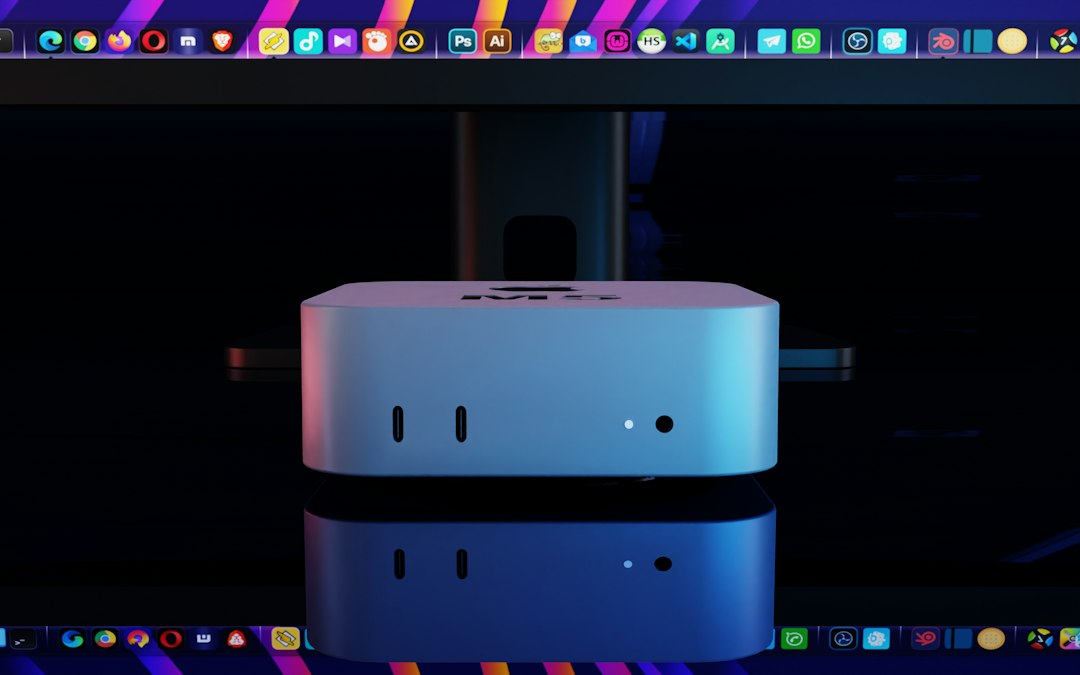
The NUC 16 Pro follows a functional, understated design language. Expect a compact rectangular chassis, a neutral dark finish, and minimal branding. This is a box meant to disappear into your workspace rather than become a centerpiece.
Compact Footprint
- Desk space: The footprint is closer to a small paperback than to a traditional tower, freeing up room for monitors and peripherals.
- Mounting options: Many units in this class support VESA mounting, allowing you to affix the system to the back of a monitor or under a desk.
- Port accessibility: A combination of front and rear ports means you can plug in USB drives easily while leaving permanent cables tucked away behind.
Build quality on professional‑oriented mini PCs is generally robust: rigid outer shell, good port fitment, and a design that can withstand frequent handling if IT staff swap or relocate units.
Internal Hardware and Performance Profile
While exact configurations vary, the ASUS NUC 16 Pro class of machines typically uses modern mobile‑class processors, paired with notebook‑style memory and M.2 storage. The goal is to strike a balance between power consumption, thermals, and performance that rivals many larger desktops used for office work.
CPU and Everyday Responsiveness
Mid‑to‑high tier laptop-grade CPUs are more than capable for:
- Office productivity (documents, spreadsheets, web‑based tools)
- Remote collaboration (video calls, screen sharing, web conferencing)
- Light content work (basic photo editing, light coding, data analysis)
Short performance bursts—like compiling code or exporting smaller media projects—tend to be handled well, as the CPU can boost briefly before thermals push it back toward sustained levels.
Graphics and Media Capabilities
Integrated graphics on current mobile platforms can comfortably power multiple displays at 1080p or 1440p, and often one 4K display for desktop use. This is ideal for:
- Multi‑monitor office setups
- Watching streaming media and video content
- Running GPU‑light creative tools and dashboards
What this class of system is not built for is heavy 3D gaming or high‑end GPU‑accelerated workloads. Casual or older games may run acceptably at reduced settings, but that’s a bonus, not the core design goal.
Connectivity and Expansion
The main strength of a professional mini PC like the ASUS NUC 16 Pro is how much connectivity fits on such a small frame. While the exact layout depends on the specific SKU, you can reasonably expect a rich mix of ports.
Typical Port Selection
- Multiple USB‑A and USB‑C ports for peripherals and fast external storage
- HDMI and/or DisplayPort outputs to support dual or triple displays
- Ethernet (often Gigabit or better) for reliable wired networking
- Audio jack for headsets or speakers
Wireless connectivity is also a given on modern systems: Wi‑Fi and Bluetooth for keyboards, mice, and headsets, as well as wireless networking where cabling isn’t feasible.
Internal Upgrade Paths
One of the biggest concerns with tiny desktops is upgradability. The NUC 16 Pro typically allows user access to some critical components:
- RAM: Often two SO‑DIMM slots, letting you expand memory later if you start with a smaller configuration.
- Storage: At least one M.2 slot, sometimes more, for NVMe SSDs. This is key for increasing capacity or swapping in a faster drive.
- Wireless module (varies): On some models, the Wi‑Fi/Bluetooth card can be replaced or upgraded.
Given the tiny chassis, you should not expect room for large 3.5" drives or full‑size graphics cards; expansion is focused on memory and storage only.
Thermals, Noise, and Reliability
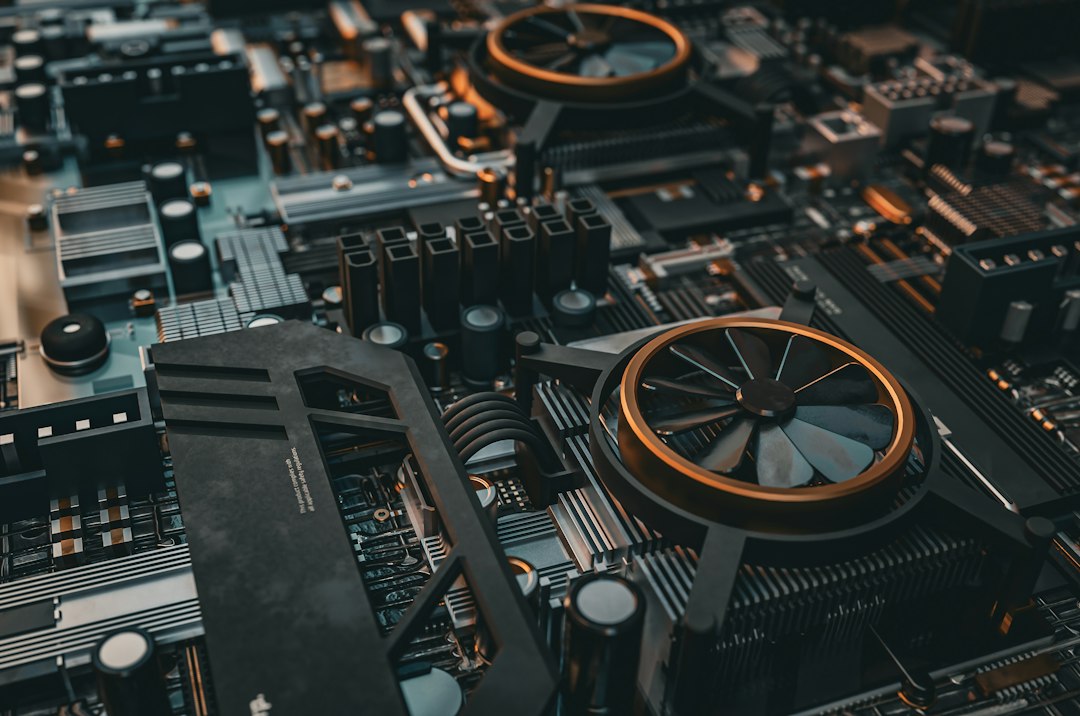
Fitting capable hardware into such a small box makes cooling design crucial. The NUC 16 Pro uses a compact active cooling system—typically a blower or small fan paired with a heatpipe assembly. Thermal performance impacts not only temperatures but also noise and sustained performance.
Thermal Behavior
- Light loads: Web browsing, document editing, and streaming usually keep fan speeds low and noise barely noticeable.
- Sustained heavy loads: Prolonged CPU‑intensive tasks can warm up the chassis and push fan speeds higher, but the system is designed to maintain safe operating temperatures.
- Throttling: Under the heaviest sustained workloads, performance may level off slightly as the system balances heat and boost clocks.
For business and productivity use, this behavior is generally acceptable and expected in a compact mini PC class.
Quick Setup Checklist for a New ASUS NUC 16 Pro
1) Install or upgrade RAM and SSD before first boot. 2) Connect two monitors via HDMI/DP for more workspace. 3) Update BIOS and chipset drivers. 4) Enable firmware and OS‑level full disk encryption. 5) Configure automatic backups to an external or network drive.
Ideal Use Cases for the ASUS NUC 16 Pro
To understand value, it helps to map the NUC 16 Pro against realistic use scenarios rather than raw benchmark numbers.
1. Business Desktops and Office Fleets
Many organizations seek compact, standardized systems for employees. Advantages here include:
- Minimal desk clutter and easy mounting behind monitors
- Simplified cabling and quick deployment by IT
- A predictable platform for imaging, remote management, and updates
For typical office tasks, the NUC 16 Pro offers more than enough performance, and its small size can significantly reduce workspace chaos.
2. Home Office and Remote Work
The NUC 16 Pro suits home workers who don’t want a large tower intruding on shared spaces. It can power dual displays, handle video conferencing reliably, and tuck onto a shelf or mount behind a screen.

3. Light Content Creation and Development
Developers, analysts, and light content creators can comfortably use a NUC 16 Pro for:
- Coding and running local development environments
- Database and analytics work that isn’t extremely memory‑hungry
- Editing documents, presentations, and lightweight multimedia projects
If your projects involve large 3D scenes, heavy video workloads, or GPU‑accelerated simulations, you will quickly run into the limitations of integrated graphics and compact cooling.
Where the NUC 16 Pro Does Not Shine
No device is perfect, and the ASUS NUC 16 Pro makes deliberate trade‑offs to stay compact and power‑efficient.
Performance Limitations
- Gaming: Modern AAA titles at high settings are not realistic; casual gaming at modest settings is the upper boundary.
- Heavy parallel workloads: Large simulations, complex 3D rendering, and machine learning training push beyond the intended design.
- Thermal headroom: It cannot dissipate heat like a full‑size tower, so sustained all‑core loads remain constrained.
Expandability Constraints
For power users who like to continuously upgrade hardware, the NUC 16 Pro may feel restrictive. There’s no way to drop in a discrete GPU or add a stack of drives; the platform is largely defined at purchase, aside from memory and SSD tweaks.
Value: What Are You Really Paying For?
Evaluating value for a device like the ASUS NUC 16 Pro hinges less on raw performance per dollar and more on total utility per cubic centimeter and per watt. You pay for:
- Miniaturization: Engineering a stable, cool, and reasonably quiet system in such a small space.
- Business‑grade features: Certain SKUs emphasize reliability, management features, and long‑term availability.
- Low power consumption: Energy efficiency can matter significantly in large deployments or for always‑on home systems.
Compared to a similarly priced full‑size DIY desktop, you may give up some peak performance and upgrade flexibility. In exchange, you gain portability, simplicity, and an ultra‑clean setup—benefits that many professionals value more than an extra 10–20% performance they rarely tap.
| Aspect | ASUS NUC 16 Pro | Traditional Mid‑Tower PC |
|---|---|---|
| Size & Footprint | Very small, mountable behind monitor | Large, visible case under or on desk |
| Upgrade Options | RAM & SSD mainly | GPU, storage, cooling, more expansion slots |
| Power Usage | Low to moderate | Moderate to high, depending on components |
| Noise Under Load | Noticeable but controlled | Varies widely; can be quieter with larger coolers |
| Best For | Office, home office, light creation | Gaming, heavy creation, flexible upgrades |
Who Should Buy the ASUS NUC 16 Pro?
The NUC 16 Pro shines when the priority list starts with size, simplicity, and sufficient performance—not maximum performance at all costs.
Good Fit
- Professionals who mainly run office apps, browsers, and collaboration tools
- Remote workers wanting a powerful but invisible desktop in shared homes
- Small businesses standardizing on compact, low‑maintenance PCs
- Tech‑savvy users seeking a capable secondary machine or always‑on mini server
Look Elsewhere If…
- You want high‑refresh competitive gaming or 4K AAA gaming
- You rely heavily on GPU‑accelerated workloads (3D, ML, complex video)
- You plan frequent major hardware upgrades beyond RAM and storage
Practical Buying Tips
When considering an ASUS NUC 16 Pro, focus on configuration choices that align with your real‑world workload.
Key Decisions
- RAM capacity: 16 GB is a solid baseline for workstations; 32 GB is beneficial for heavier multitasking or light content work.
- SSD size: Choose more capacity than you think you need—external drives are fine, but internal NVMe offers the best experience.
- Ports: Check that your display, docking, and peripheral needs match the available outputs.
- Warranty and support: For business use, longer warranties and on‑site options can justify a slightly higher upfront cost.
Final Thoughts
The ASUS NUC 16 Pro represents a mature take on the compact desktop: powerful enough for serious work, small enough to vanish behind a display, and efficient enough for home and office alike. Its value doesn’t lie in winning benchmark charts but in the day‑to‑day convenience of having a robust, quiet, and tiny machine that simply gets out of the way while you work.
If you prize a clean workspace, predictable performance, and low energy use more than maximum expandability and cutting‑edge gaming, the NUC 16 Pro is a compelling option in the small form factor landscape.
Editorial note: This article is a general, independent overview based on the typical capabilities and positioning of the ASUS NUC 16 Pro class of systems. For detailed measurements, exact specifications, and benchmark results, please refer to the original review at TechPowerUp.