AMD Ryzen 9 9950X3D vs 9900X3D vs 9800X3D: Which CPU Should You Buy?
AMD’s 3D V-Cache Ryzen 9 processors are aimed squarely at gamers and power users, but choosing between the 9950X3D, 9900X3D, and 9800X3D can be confusing. Each chip targets a slightly different mix of frame rates, core counts, and price. This guide walks through their likely strengths, ideal use cases, and decision points so you can match the right CPU to your budget and build goals.
Why This Ryzen 9 3D V-Cache Showdown Matters
If you’re planning a high-end gaming or creator build on AMD, the Ryzen 9 9950X3D, 9900X3D, and 9800X3D are likely on your shortlist. All three use AMD’s 3D V-Cache technology to stack extra L3 cache on the CPU, which can significantly boost game performance in cache-sensitive titles. Choosing the wrong one, however, can mean overspending on cores you’ll never use or underbuying for workloads that really need more muscle.
This guide focuses on how these CPUs fit into real-world use: gaming at different resolutions, streaming, content creation, thermals, platform costs, and future upgrade paths. Exact benchmark numbers will vary by system and game, so we’ll keep things performance-focused but brand-agnostic in terms of specific figures.
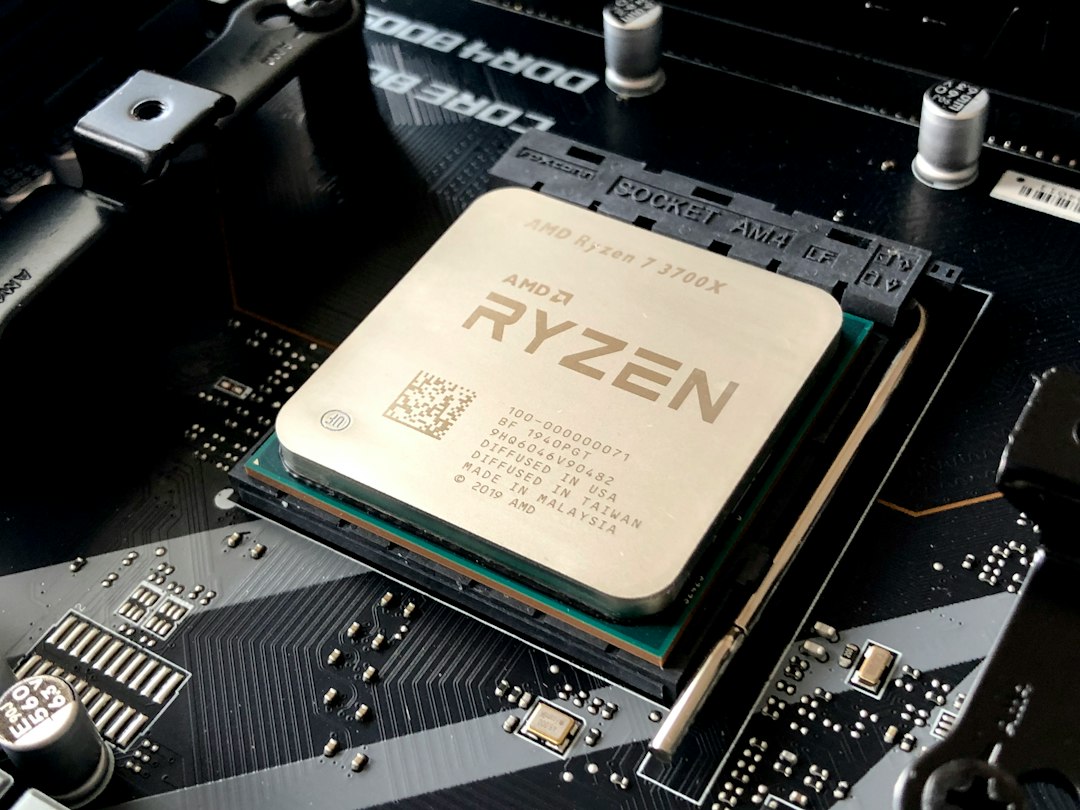
What 3D V-Cache Actually Does
Before comparing models, it’s worth understanding what you’re really paying for with the "X3D" suffix.
- Extra L3 cache stacked on the CPU: This gives the processor a much larger pool of fast memory close to the cores.
- Better gaming performance, especially in CPU-bound titles: Games that hit the CPU hard (e.g., competitive shooters, strategy titles, simulation games) can see larger performance gains.
- Smaller gains in pure compute workloads: Rendering, encoding, and many productivity apps lean more on raw clock speed and core count than cache size.
- Typically conservative clock speeds: X3D chips often run at lower voltages and frequencies compared with their non-X3D siblings to keep thermals in check, especially on the cache-heavy cores.
In short, X3D processors are built to maximize gaming efficiency, not necessarily to top every synthetic benchmark.
High-Level Overview: 9950X3D vs 9900X3D vs 9800X3D
Without diving into speculative clock speeds or unconfirmed specifications, you can think of these three CPUs as occupying clear tiers:
- Ryzen 9 9950X3D: Flagship-tier chip, aimed at no-compromise gaming plus heavy multitasking and productivity.
- Ryzen 9 9900X3D: Upper high-end, balancing strong core count with a focus on gaming; often the "sweet spot" for enthusiasts.
- Ryzen 9 9800X3D: Performance-focused for gamers who want X3D benefits without paying top flagship pricing or needing extreme core counts.
All three are built for the same modern AMD platform and share the 3D V-Cache concept, so your decision is mostly about how far up the curve you want to go for cores, clocks, and price.
Gaming Performance: Where Each CPU Shines
In gaming, all three Ryzen 9 X3D chips are designed to deliver excellent results, but their value shifts depending on your resolution and how you play.
1080p and High-Refresh Competitive Gaming
At 1080p, the CPU is often the main bottleneck, especially if you pair your system with a powerful GPU and a 240 Hz or 360 Hz monitor.
- Ryzen 9 9800X3D: Likely to offer extremely strong value here. You get the X3D cache advantage without paying for a large pile of extra cores that competitive titles rarely need.
- Ryzen 9 9900X3D: May gain a modest edge in frame consistency and background task handling but is less critical purely for competitive gaming.
- Ryzen 9 9950X3D: Overkill for many esports titles. Its strengths lie more in mixed gaming and creator workflows.
1440p and 4K Single-PC Gaming
As you raise resolution, the GPU takes on more of the workload. CPU differences still matter but start to shrink, especially at 4K.
- All three CPUs should deliver near-flagship frame rates when paired with a high-end graphics card.
- The 9800X3D is often the best bang-for-buck choice for high-fidelity single-PC gaming builds.
- The 9950X3D and 9900X3D become most attractive when you also care about streaming, compiling, or editing workloads on the same machine.

Streaming, Content Creation, and Multitasking
When you start mixing gaming with streaming, video editing, 3D rendering, or heavy multitasking, core count becomes more important than raw gaming FPS.
Single-PC Streaming (Gaming + Encoding)
If you stream and encode on the same machine, especially using CPU-based encoders, extra cores are very helpful.
- Ryzen 9 9950X3D: Best suited for heavy streaming plus gaming; the higher core count leaves more headroom for chat bots, browser sources, overlays, and capture tasks.
- Ryzen 9 9900X3D: Strong choice for serious hobbyist streamers who want a robust setup but don’t constantly max out CPU-heavy encoders.
- Ryzen 9 9800X3D: Fine for lighter streaming loads or when you lean on GPU-based encoding and keep background apps modest.
Productivity and Professional Workloads
For tasks like video editing, software development, and 3D rendering, more cores and threads typically mean shorter project times, as long as your apps can scale.
- If your workloads scale well across many cores, prioritize the highest-tier CPU you can reasonably afford (typically pointing to the 9950X3D).
- If you do a mix of gaming and light-to-medium productivity, the 9900X3D often strikes a better balance.
- If gaming remains your main focus and productivity use is occasional, the 9800X3D usually offers the best value per dollar.
Thermals, Power, and Cooling Considerations
High-end Ryzen 9 chips traditionally run close to their thermal limits under heavy load, and X3D models tend to be optimized for efficiency but still demand capable cooling.
- 9950X3D: Expect the highest sustained load and the most demanding cooling requirements. A quality 240–360 mm AIO or a top-tier air cooler is usually recommended.
- 9900X3D: A bit easier to cool than the flagship but still benefits from robust cooling, especially in smaller cases.
- 9800X3D: Typically the most forgiving; a strong air cooler or a 240 mm AIO should be sufficient for most users.
Regardless of which you pick, good case airflow and a sensible fan curve remain crucial for quiet, stable performance.
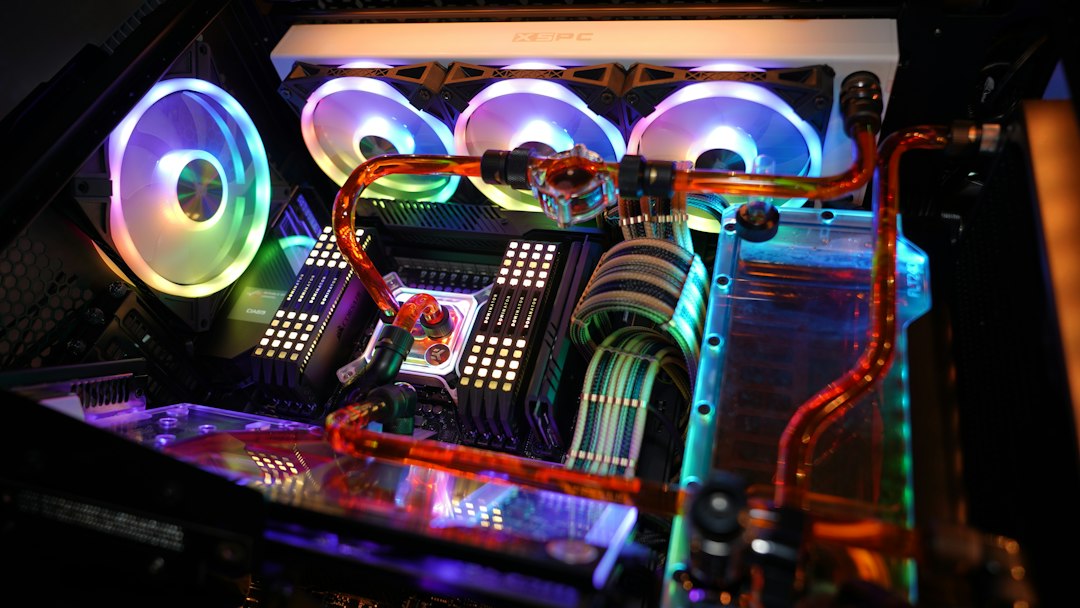
Platform and Upgrade Path
All three CPUs sit on modern AMD desktop platforms, designed to support features like PCIe 4.0/5.0 (depending on board), fast NVMe SSDs, and high-speed DDR memory. That means your choice of CPU also intersects with your choice of motherboard and RAM.
- Motherboard tier: Higher-end boards offer stronger power delivery, more M.2 slots, and better connectivity—helpful for the 9950X3D in particular.
- Memory speed: X3D chips benefit from decent RAM speeds, but ultra-premium kits usually yield diminishing returns compared with a balanced mid-high kit.
- Future GPUs and storage: A modern board paired with any of these CPUs should keep up with multiple GPU generations and larger NVMe drives.
If you intend to keep your platform for many years, picking a slightly higher-tier CPU now (such as the 9900X3D instead of the 9800X3D) can provide more headroom for future, more demanding games and applications.
Use-Case Comparison
The best way to decide between the 9950X3D, 9900X3D, and 9800X3D is to map them to specific scenarios rather than obsessing over small benchmark deltas.
| Scenario | Best Fit | Why It Makes Sense |
|---|---|---|
| Pure competitive gaming at 1080p | Ryzen 9 9800X3D | Maximizes X3D gaming benefits without paying for extra unused cores. |
| 1440p/4K gaming with occasional streaming | Ryzen 9 9900X3D | Strikes a strong balance between gaming performance and multitasking. |
| Gaming plus serious content creation | Ryzen 9 9950X3D | Higher core count helps with heavy edits, renders, and compiles. |
| Single-PC streaming with many background apps | Ryzen 9 9900X3D or 9950X3D | Extra cores free up headroom for overlays, chat, and encoding. |
| Balanced high-end build on a budget | Ryzen 9 9800X3D | Lets you divert more budget to GPU, storage, and display. |
Budget and Value: Where to Spend Your Money
In a high-end build, the CPU is important, but it’s not the only part that defines your experience. Especially for gaming, the GPU, monitor, and storage often shape day-to-day satisfaction more than squeezing out a few extra frames from the CPU.
Smart Budget Allocation Tips
- If your budget is tight, consider stepping down one CPU tier and investing the savings into a better GPU or SSD.
- Don’t neglect the power supply and cooling; a stable, quiet system often feels faster to use.
- Think about your monitor first—there’s no point in chasing 300 FPS if your display tops out at 144 Hz.
Quick Decision Toolkit
Use this simple rule-of-thumb:
Choose Ryzen 9 9800X3D if 80–90% of your time is gaming and budget matters.
Choose Ryzen 9 9900X3D if you split time between gaming, streaming, and light creation.
Choose Ryzen 9 9950X3D if you’re a power user or creator who also wants top-tier gaming.
Checklist: Which Ryzen 9 X3D Is Right for You?
Run through this quick checklist before making your final call:
- How often do you create content? Weekly editing and rendering sessions push you toward the 9900X3D or 9950X3D.
- What resolution and refresh rate is your main monitor? High-refresh 1080p or 1440p makes X3D highly valuable, but flagship cores aren’t always necessary.
- Do you stream from the same PC? Heavy streaming favors higher-core options.
- Is your case and cooler ready? Ensure your cooling setup can keep a Ryzen 9 under control.
- How long will you keep this system? Longer lifespans justify spending more up front if your budget allows.
Final Thoughts
All three chips—the Ryzen 9 9950X3D, 9900X3D, and 9800X3D—are built to deliver top-tier gaming performance with the efficiency benefits of 3D V-Cache. The 9950X3D is for users who refuse to compromise between gaming and heavy multitasking, the 9900X3D is a balanced all-rounder for gamers who also stream and create, and the 9800X3D targets enthusiasts who care most about gaming value and want to free up budget for a stronger GPU or display.
Instead of chasing the most expensive option, match the CPU to how you actually use your PC today—and how you realistically expect to use it over the next few years. That alignment will do more for your experience than any small benchmark lead on a chart.
Editorial note: This article is an independent analysis based on general platform knowledge and positioning of AMD's Ryzen 9 X3D lineup. For detailed specifications, pricing, and testing data, please refer to the original source at ThePCEnthusiast.